How to book customers on WhatsApp without the mess (clinics, salons and practices)
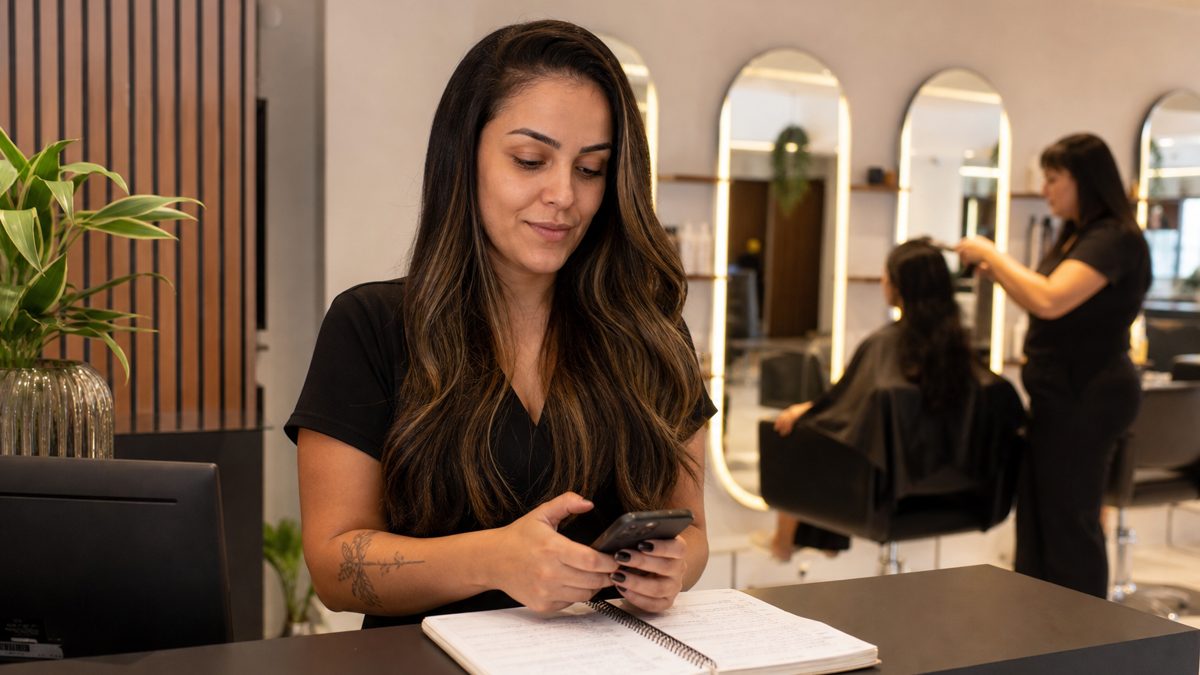
For clinics, salons, barbershops and practices, WhatsApp has become the front desk. The problem is that booking by message turns into back-and-forth ("do you have 3 PM?", "what about Thursday?") and, without organization, you get double bookings, forgotten customers and no-shows.
Here's a simple method to book on WhatsApp without the mess, with message templates, and when it's worth automating.
The method in 5 steps
- One calendar only: use a single calendar (paper, Google Calendar or a system) that everyone on the team checks before offering a time.
- Offer 2 or 3 times, instead of asking "what time works for you?". The conversation ends faster.
- Confirm in writing with the service, the professional, the day, the time and the address.
- Remind the day before and ask for confirmation (1 to confirm, 2 to reschedule).
- Free up the slot of anyone who didn't confirm or canceled, and offer it to people on the waiting list.
Message templates for booking
Offering times
Hi, [name]! I have these times for [service]:
• [day] at [time]
• [day] at [time]
• [day] at [time]
Which works best?
Confirmation
Booked ✅
[Service] with [professional]
[day], at [time]
Address: [address]
If you need to reschedule, please let us know 24 hours in advance.
Day-before reminder
Hi, [name]! Just a reminder of your appointment tomorrow, [day] at [time]. Reply 1 to confirm or 2 to reschedule.
Rescheduling
No problem! I have [options]. Which do you prefer?
Waiting list
Hi, [name]! A slot just opened on [day] at [time]. Would you like it?
After the appointment
Thanks for coming in, [name]! Want to book your next [service] for [timeframe] from now?
How to reduce no-shows
- Reminders the day before and on the day, always asking for confirmation.
- A clear rescheduling policy right in the confirmation.
- A deposit for long or expensive services, with a payment link.
- A waiting list to fill freed-up slots.
- Book the next visit at checkout, while the customer is still happy.
When to automate booking
Automating is worth it when the front desk spends the day answering "do you have an opening?", when lots of people write after hours, or when the team forgets to send reminders. Your options:
| Option | How it works | Good for |
|---|---|---|
| Online booking link | The customer picks a time on a web page | Businesses that don't mind taking the customer out of WhatsApp |
| Form inside WhatsApp | The customer picks the service, day and time without leaving the chat (WhatsApp Flows, on the official API) | Clinics and services with high demand |
| AI agent | The AI chats, checks open slots and books | Businesses that want a natural conversation, including voice notes |
Tip: In healthcare, be careful with sensitive data: ask only for what you need to book and leave clinical information for the appointment itself.
Booking in SIVA
In SIVA, the AI chats with the customer, offers open slots and records the appointment in the system's calendar, at any hour. With the official API, you can also use booking forms inside WhatsApp, and your team follows everything in the same dashboard as the conversations.
- Booking through the conversation, including at night and on weekends.
- A calendar organized in the same system as your conversations.
- Booking forms inside WhatsApp (official API).
- Reminders and rescheduling in the chat itself.
FAQ
How do I organize appointments on WhatsApp?
Use a single calendar, offer 2 or 3 times, confirm in writing, remind the day before asking for confirmation, and give freed-up slots to people on the waiting list.
What's the best appointment reminder message?
Short, with an action: "Hi, [name]! Just a reminder of your appointment tomorrow at [time]. Reply 1 to confirm or 2 to reschedule."
How can I reduce customer no-shows?
Reminders that ask for confirmation, a clear rescheduling policy, a deposit for long services and a waiting list for freed-up slots.
Can customers book on their own through WhatsApp?
Yes, with forms inside WhatsApp (official API) or with an AI agent that checks open slots and books on the calendar.
Can I charge a deposit when booking?
Yes, especially for long or expensive services. Send the payment link with the confirmation and make your cancellation policy clear.