WhatsApp group, community or channel: which one to use to reach a lot of people
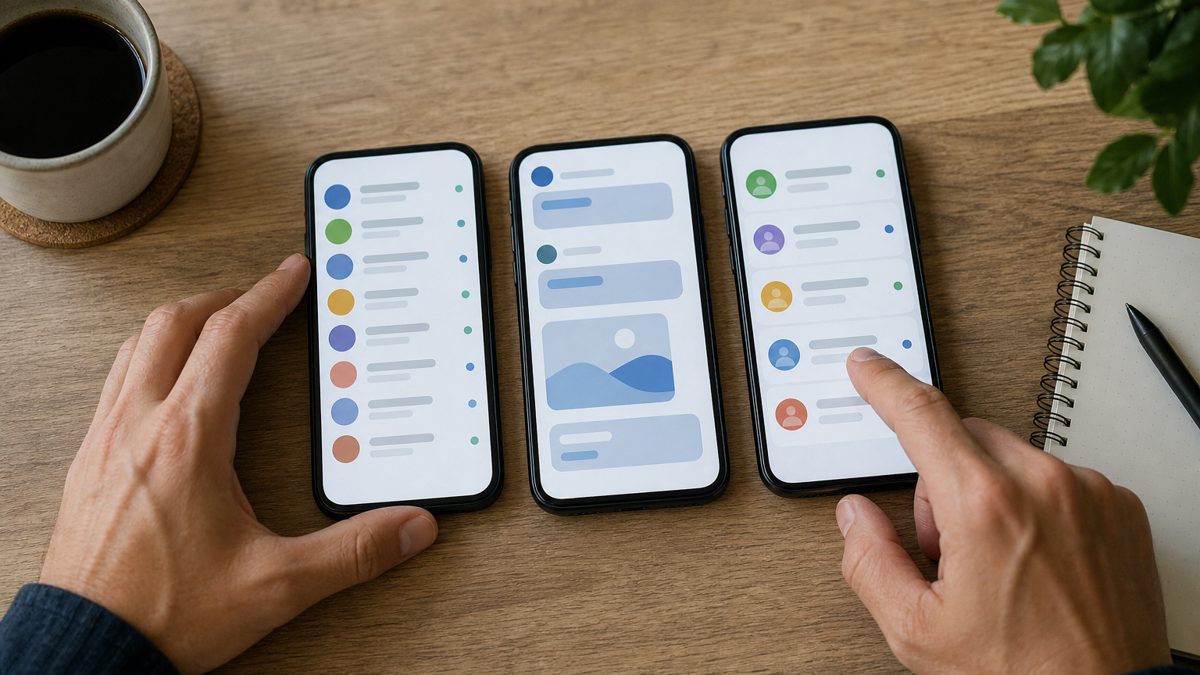
Groups, communities, channels and broadcast lists look alike, but they work very differently: who can see whose phone number, who can reply and how many people fit.
Pick the wrong one and you get a group flooded with "good morning" messages, lost announcements and members' phone numbers exposed. Here's the comparison and which to use in each situation.
Quick comparison
| Group | Community | Channel | Broadcast list | |
|---|---|---|---|---|
| Size | Up to 1,024 members | Up to 100 groups together | Unlimited followers | Up to 256 contacts per list |
| Who replies | Everyone (or only admins, if set) | In announcements, only admins; in groups, depending on the rules | Nobody replies; reactions only | Each person replies privately |
| Phone number visible | Yes, among members | In the groups, yes | No: neither the admin's nor the followers' | No, each person gets it as an individual message |
| Good for | Conversation and mobilizing one group of people | Organizing several groups with one central announcement | News and announcements for lots of people | Notices to a few contacts who saved your number |
These limits change from time to time. Always check in the app itself.
When to use a group
- Smaller teams that need to talk: a board, a committee, a regional chapter, a class.
- Local mobilization, where people talking to each other matters.
- Put the rules in the description and set it so only admins can edit the group info.
When to use a community
- When you already have several groups (by city, department, class) and want an announcement group that reaches all of them at once.
- A community can have up to 20 admins, who can add groups and send announcements.
- The groups stay independent for conversation.
When to use a channel
- News and announcements for lots of people, including people who aren't members yet.
- Privacy: the admin's phone number isn't shown to followers, and following a channel doesn't reveal the follower's number.
- It's one-way: followers can only react. For questions, put your support number in the description.
- History is kept for up to 30 days on WhatsApp's servers.
What about broadcast lists?
They work for short notices to a few contacts, and only reach people who saved your number. With a large base, they can't keep up.
Tip: A combination that works for organizations: a channel for news, a community with an announcement group for official notices, groups by chapter for conversation and one number for one-on-one support.
Groups, communities and channels in SIVA
SIVA lists your number's groups and channels, creates and manages channels, and sends one campaign to many groups at once, tagging every member, with image, carousel, location and button. Private replies land in a single inbox, answered by the AI and your team.
- Send to many groups at once, with everyone tagged.
- Create and manage WhatsApp channels.
- Scheduled sending and configurable pace.
- Alerts when a group stopped receiving your campaigns.
FAQ
What's the difference between a group and a community on WhatsApp?
A group is a single chat with up to 1,024 members. A community brings together up to 100 groups under one theme and has an announcement group where only admins post to everyone.
How many people fit in a WhatsApp group?
Up to 1,024 members, including admins.
Does a WhatsApp channel show my number?
No. The admin's phone number isn't shown to followers, and followers don't see each other's numbers either.
Can followers reply in a channel?
No. They can react with emojis and vote in polls, but they can't write in the channel.
Which is better for announcements: community or channel?
For notices only to members, the community's announcement group. For open news and maximum privacy, the channel. Many organizations use both.